A language model that runs on your own network
We install an open language model on your machine, connect it to your documents and set it up so that your team can work with it from day one. No request leaves the building.
Notice period in the framework agreement
Question: What notice period is set in the framework agreement with the haulier, and what happens if we miss it?
Three months to the end of a quarter, and in writing. If notice is not given in time, the contract is extended by a further year.
The next opportunity is 30 June. So the notice has to be there by 31 March.
- Framework agreement with the haulier, page 12
- Addendum 2 of 14 May 2024
Answered on the company’s own machine
- Your data
- stays in the building
- Cost per request
- none
- Models
- open, and yours to choose
What “local” means with us
For us, local means that the model runs on a machine that belongs to you and stands on your premises. A request travels from the desk across your own network to this machine and back again. There is no provider who reads along, trains on your data or raises the prices next year.
That is different from the offers that say “local” and mean a data centre in the EU. There, too, your data is with someone else, only closer by.
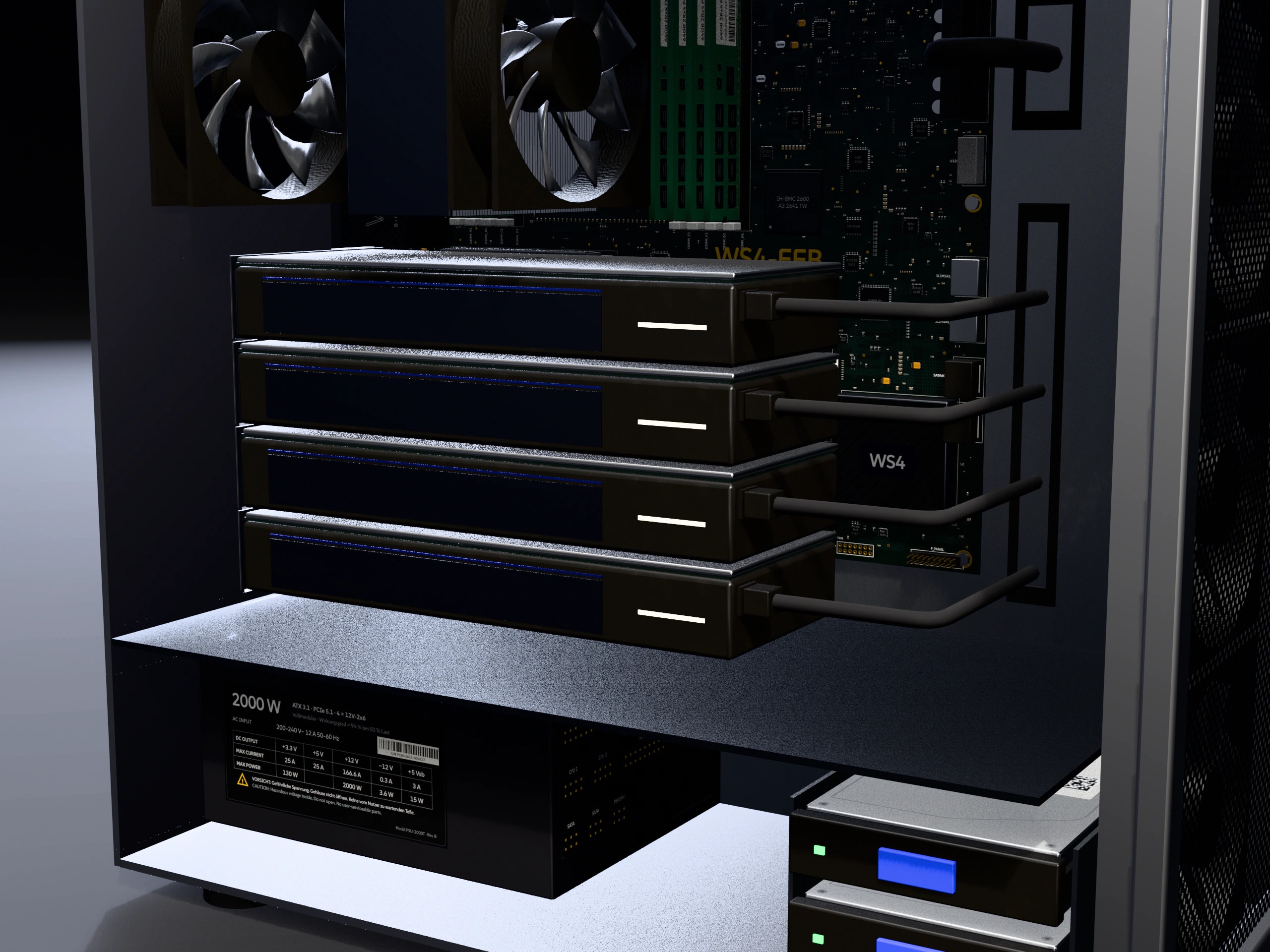
What we set up for you
- One or more language models, suited to your tasks and to your machine
- An interface in the browser, with sign-in and permissions for your team
- Search in your own documents. The model answers from manuals, contracts or the wiki and names the passage
- An interface through which your own programs can address the model
- Monitoring, backup and an orderly route for updates
What it is used for day to day
| Area | What the model does |
|---|---|
| Customer service | Answers enquiries, sorts tickets and passes them on to the right place |
| Sales | Writes draft quotes from enquiries, with the prices from your own system |
| Internal knowledge | Answers questions about procedures and policies and shows the document |
| Documents | Checks contracts, reads out invoices and summarises long papers |
| Development | Writes and reviews code, helps with prototypes and internal tools |
| Meetings | Turns a recording into the minutes with tasks and decisions |
| Analysis | Answers questions about your data in plain language |
All figures without guarantee.
Which models can run on your premises
Essentially all common open models, among them Kimi, DeepSeek, GLM, Qwen, Mistral, Nemotron and gpt-oss. Our model overview lists the 30 strongest with size, licence, memory needs and test results. How quickly a model answers also depends on the software that runs it. Depending on the case we use llama.cpp, vLLM or SGLang.
How it goes
- 1
Pick one task
We start with a task that costs a lot of time today and where it is easy to see whether the result is right.
- 2
Test with real data
Several models run against your examples. You see for yourself which one is up to it.
- 3
Set up
We install the model, connect the documents, assign the permissions and provide the interface.
- 4
Operate
We train your team, monitor the system and install updates when better models come out.
What you may still want to know
No. Everything runs on your own machine. There are no running costs per request and no provider you depend on.
For most tasks in a company, yes. In text, code and analysis the best open models are close behind the closed ones. Where you can notice the difference, we show you in a test with your own examples.
Yes. The documents are made searchable on your machine. The model searches them and names the passage it relies on, so that you can check whether the answer is right.
No. We set up the search so that the permissions of your file store are kept. Anyone who may not open the personnel files gets no answers from them either.
You remain responsible, but the biggest issue disappears, because no personal data is passed to a third party, and certainly not to a third country.
We stay within reach. We test new model versions on our own machines first and install them on yours by agreement.
This goes with it
AI hardware
From the tower for the office and the GPU server to the rack with H100, B200 and B300 nodes.
Model training
We train a model on your terminology, your procedures and your tone.
AI training and workshops
Your team learns on a local model and with its own documents.